The program desk becomes a command desk
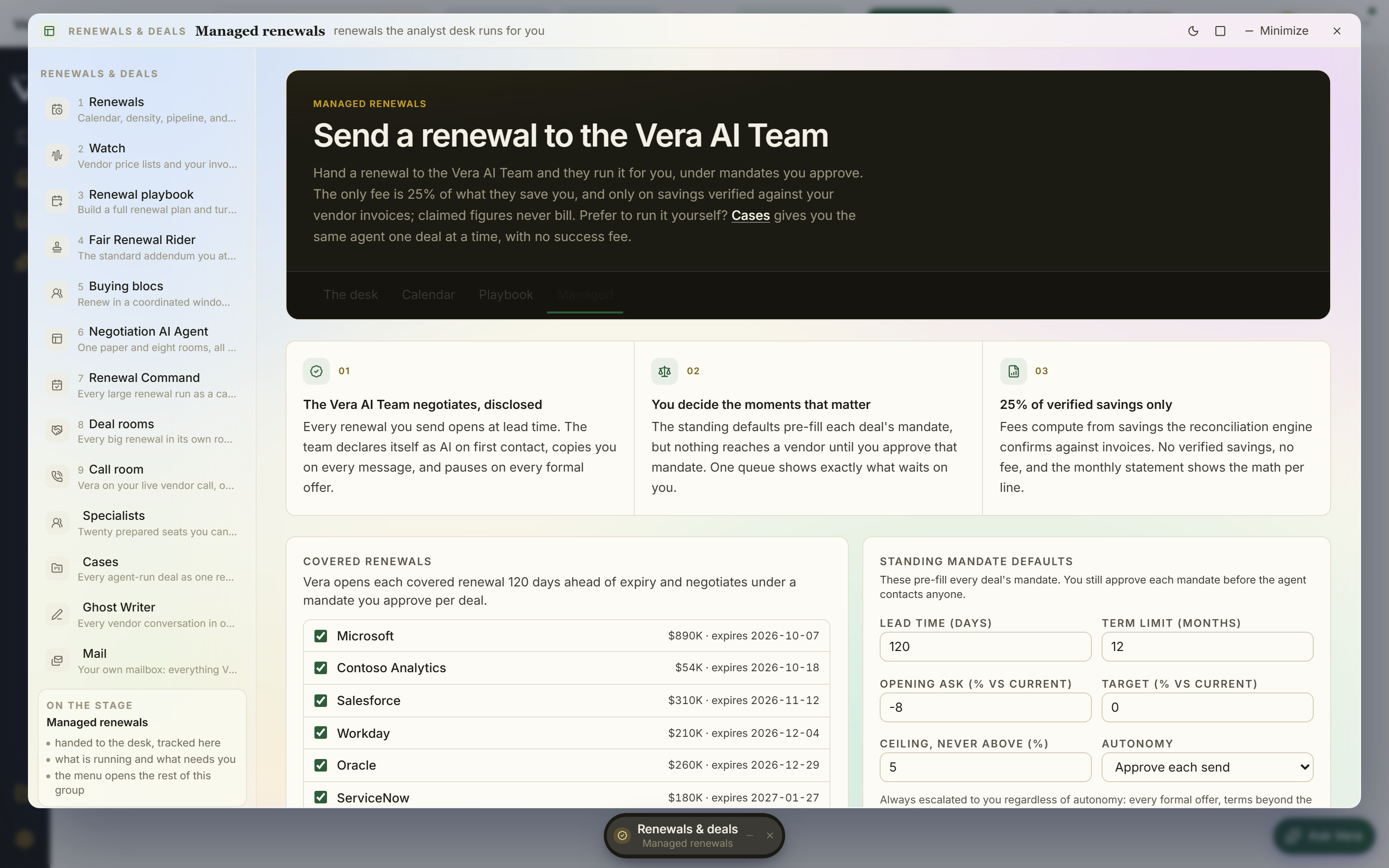
We rebuilt the managed renewals desk around the two questions a buyer actually asks: what needs me right now, and is this program paying for itself. Here is what shipped, and what it still cannot do.
Managed renewals never had a work problem. Runs happened, mandates were set, counters landed, savings hit invoices, fees followed. What it had was a reporting problem. The desk you opened to check on any of it read like a status list: vendor, date, state, a chevron. Fine for a report. Useless as a place to stand while eleven renewals are moving and three of them are quietly waiting on you. So we rebuilt it. The managed renewals desk now reads like an operations screen rather than a table of records, and the change is less about new capability than about where your attention lands in the first five seconds.
The command queue leads, because interruptions are the actual job
The old desk opened on a list of vendors. That is the wrong lead, because vendors are not the unit of work. Interruptions are. A mandate that needs your ceiling before the analyst can counter. A formal offer sitting in the window waiting on a decision. A contact that bounced, which means the whole run is stalled at the door and nobody knows yet. Those three things are what actually delay a renewal, and on the old desk they were buried inside deal records you had to open one at a time to find.
So the command queue now leads the screen. Every interruption is typed, not just listed. A mandate request looks different from a formal offer, which looks different from a bounced contact, because you triage them differently and in different orders. Each row ages in place, and when an item has waited five days it gets flagged. Not escalated, not auto approved, flagged, which is the honest thing for software to do with a decision that is yours. Every row opens the deal it waits on, so the path from noticing to acting is one press rather than a search. If you have read our piece on the renewal calendar problem, this is the operational answer to it: the calendar tells you what is coming, the queue tells you what is stuck.
The covered horizon became an instrument, not a picture
Coverage used to be a sentence: this many renewals under management, this window. That is a claim, not an instrument. The horizon is now drawn on an axis with the open window shaded, so you can see the difference between what the program covers and what is merely on the calendar. Dots scale with contract value, which means a 40,000 dollar tool and a 1.2 million dollar platform stop looking identical, and a dense quarter reads as either three small things or one large one at a glance. The legend filters by state, so you can strip the view down to what is in negotiation, or only what is awaiting mandate, without leaving the desk.
Hovering a lane raises a readout with the run one press away. That sounds small. In practice it removes the most common failure of a coverage chart, which is that it shows you a shape you cannot act on. Every point on this horizon is a live run, and the distance between seeing a crowded month and opening the largest deal in it is a single movement. It is the same instinct behind presenting the next four quarters straight from the calendar: if the picture is not clickable, someone ends up rebuilding it in slides.
The book of runs groups by need, and the fee ledger closes
Below the horizon sits the book of runs. It no longer sorts by date or by vendor name. It groups by what each run needs: needs a mandate, needs a decision on a live offer, needs a contact, running clean. That grouping is deliberately the same taxonomy as the command queue, so the desk teaches you one mental model instead of two. A run that appears in the queue as an aged mandate request appears in the book under the same heading, which means you can work either top down from urgency or side to side from category and arrive at the same place.
The fee ledger now closes with program totals. Every line shows the run it came from, the savings event it was priced against, and the invoice it reached. Nothing is charged against a projection. That was already the contractual model described in the managed renewals brief, but the ledger now reconciles on screen rather than in a monthly statement you have to request. If a fee line does not have a savings event and an invoice behind it, it does not total.
The pairing meter keeps the net in view
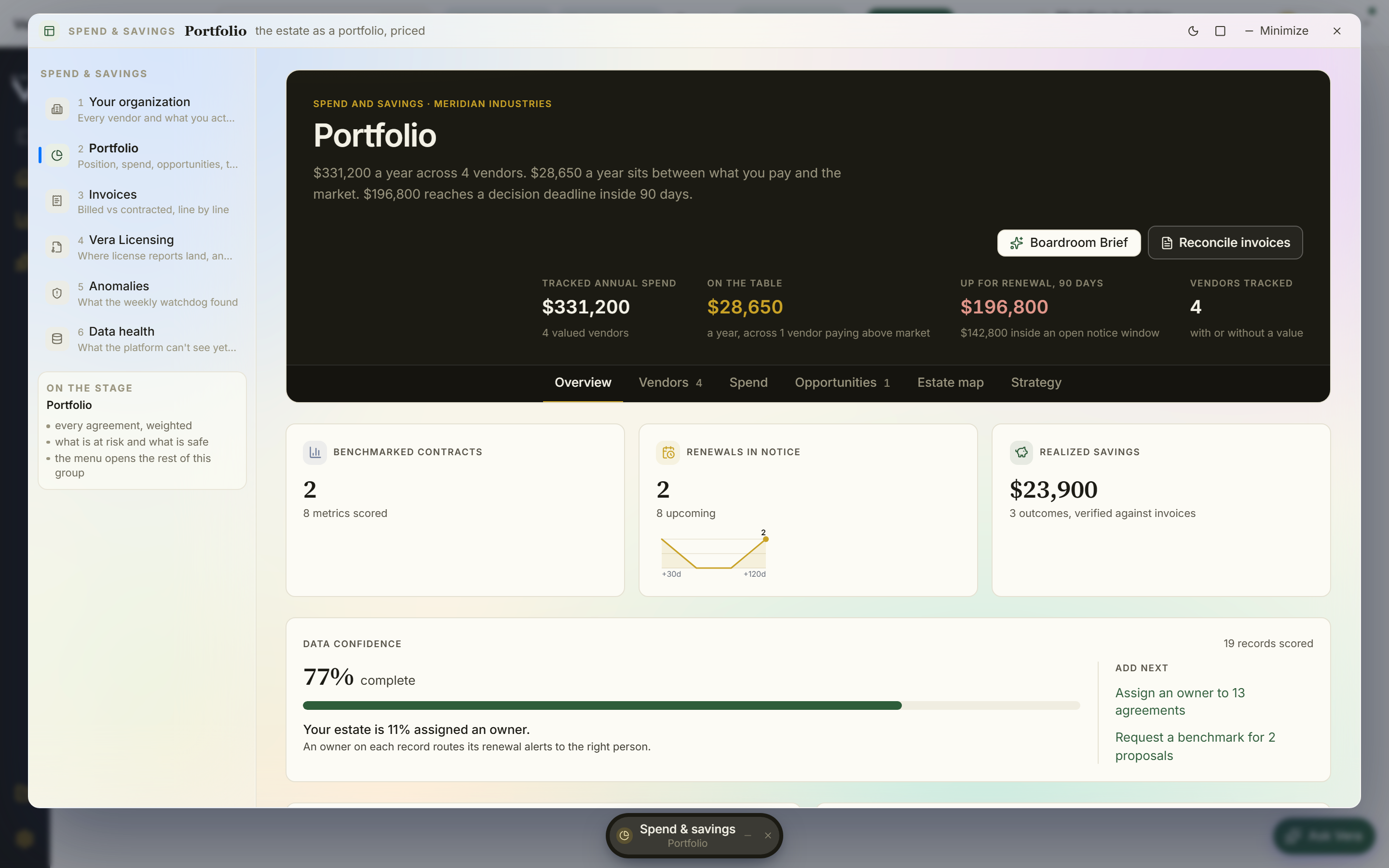
Beside the work sits the pairing meter: savings banked, fees paid, and the net between them, always visible. This is the number your CFO will ask for, and the reason it lives next to the work rather than in a monthly report is that a program you cannot defend mid quarter is a program you renegotiate under pressure at quarter end. The definition is strict. Savings banked means savings that reached an invoice, not savings claimed in a negotiation summary. That is the same discipline we argued for in the savings ledger the board believes, applied to the program that generates the savings in the first place.
Honest limits
The queue can only type what it can see. A bounced contact is detected because the mail path is instrumented. A vendor who simply goes quiet, or a stakeholder who agrees to a call and never books it, produces no event, and that run will sit in the running clean group looking healthy until the analyst raises it manually. We are honest about this: the queue reduces silent failure, it does not eliminate it. Anything happening outside the connected mail and calendar path remains invisible to the desk.
The five day flag is a flag. It does not escalate, delegate, or approve on your behalf. If you leave a mandate unanswered for three weeks the desk will show you a very old flagged row and nothing else will happen, which is deliberate, because a system that auto approves ceilings is a system that will one day auto approve the wrong one. If you want delegated authority you configure it through the approval chain that runs before signature, and that is a separate deliberate act.
The pairing meter lags reality. Savings are recognised when they reach an invoice, which means a strong outcome closed on the last day of a quarter may not appear in the net for a full billing cycle. That is the correct conservative choice for a number you will show a CFO, but it does mean the meter understates a program in its first sixty to ninety days. Read it as a trailing indicator, not a live score.
Dot scaling reflects contract value, not opportunity. A large renewal that is already priced well will draw a large dot, and a small renewal sitting thirty percent above market will draw a small one. The horizon is a picture of exposure, not of upside. For upside you still work from the portfolio view and the benchmark percentiles, and the six specialist agents and ninety nine background jobs that keep those positions current run on their own cadence, independent of what this desk displays. Finally, none of this makes the desk a substitute for judgement on a hard vendor. It makes the mechanical part of running a program of renewals take minutes instead of hours, so that the judgement has somewhere to go.
Fredrik has spent more than twenty years in enterprise software, with time at Oracle, IBM, SAP, and Salesforce before moving to the buy side. He structured and priced the kind of large agreements most buyers only see once or twice in a career, which taught him where the leverage sits and how far a vendor will actually move. He started VendorBenchmark to hand that knowledge to every sourcing team.