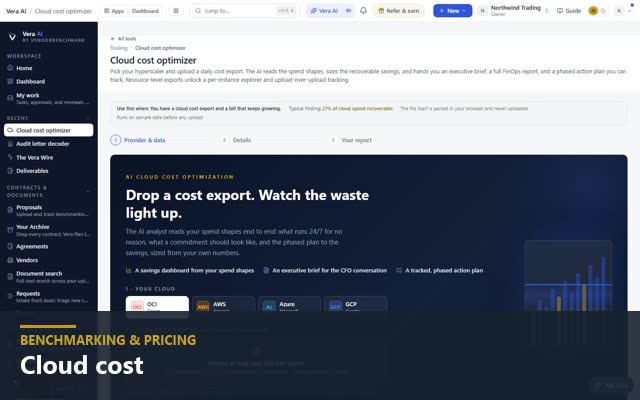
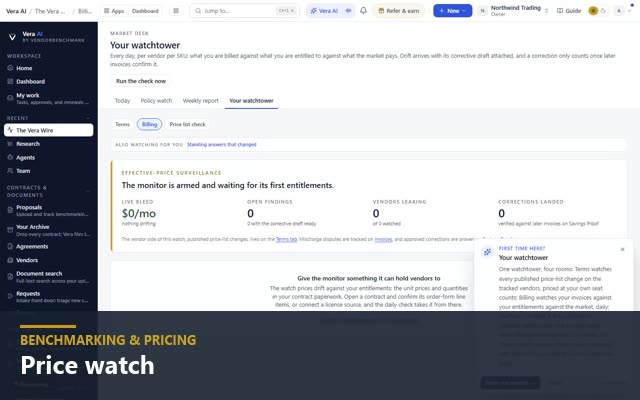
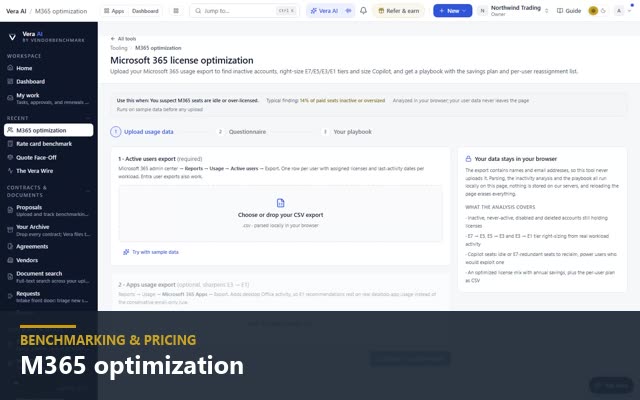
Cloud optimization
Two tools on one estate: Benchmarking and Optimization. Upload a cost export from OCI, AWS, Azure, or GCP, or connect by a read only role. Benchmarking states what the estate costs, what comparable estates recover and where it ranks, then sizes the commitment and prices the same estate on the other clouds. Optimization scans every resource against fourteen rules and tracks the plan.
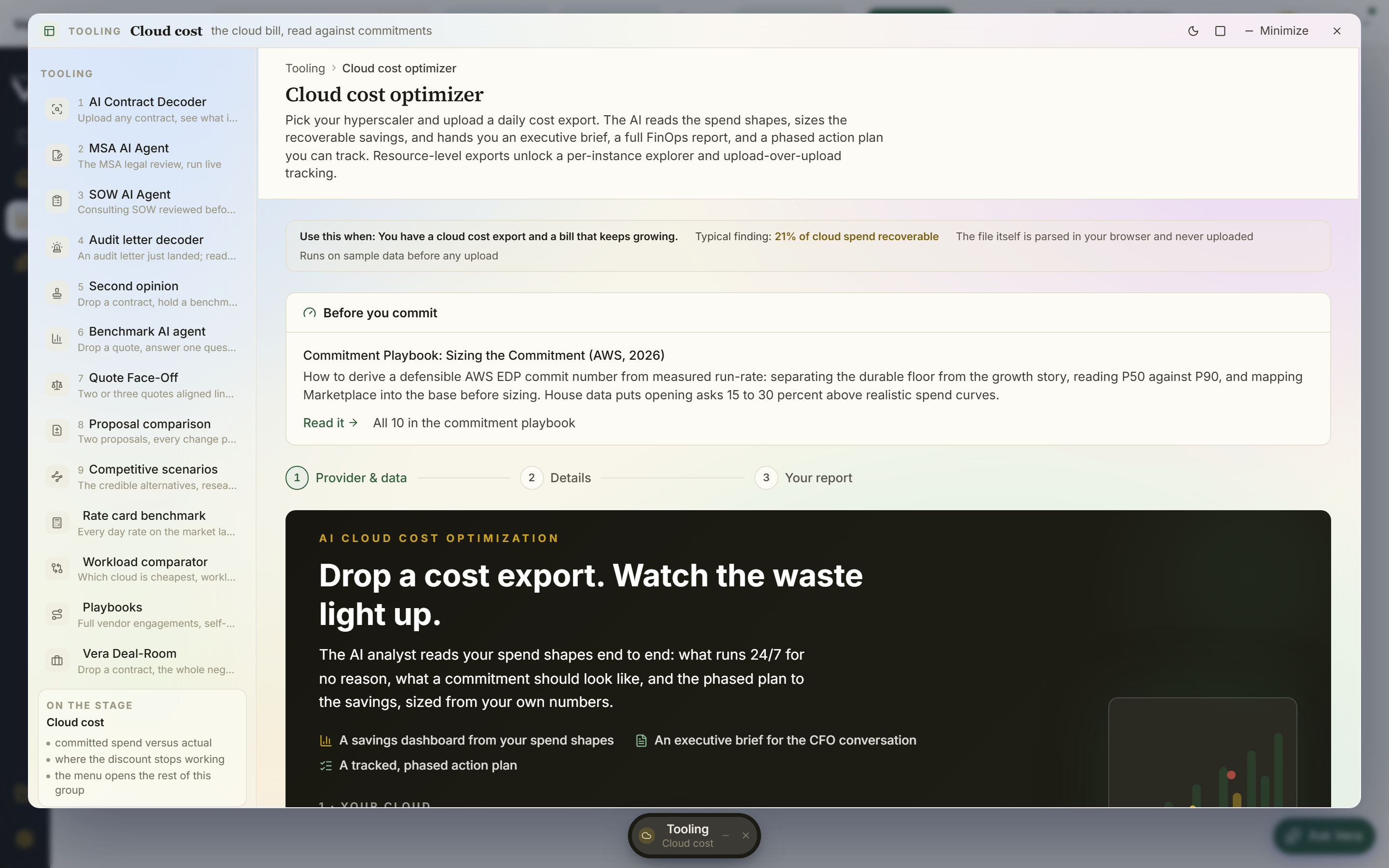
Every figure is computed from the export in your browser; the file is stored only when you save it to a room. Resource-level exports name the resources behind every recommendation.
Database right-sizing, storage cleanup, compute scheduling, committed-tier right-sizing: each workstream sized in dollars per year with its effort level.
Move the levers in the Advanced view, save up to four scenarios, and size the commitment against the scheduled floor, with the program priced a year and over the term.
Right-size the whole estate, not just the cloud bill.
The cloud cost optimizer sits in a shared toolkit of right-sizing engines. Each one takes a familiar export, sizes the recoverable spend against your own contracts, and hands back an executive brief, a full report, and a plan you can track. Every tool ships with sample data so you can try it before uploading your own.
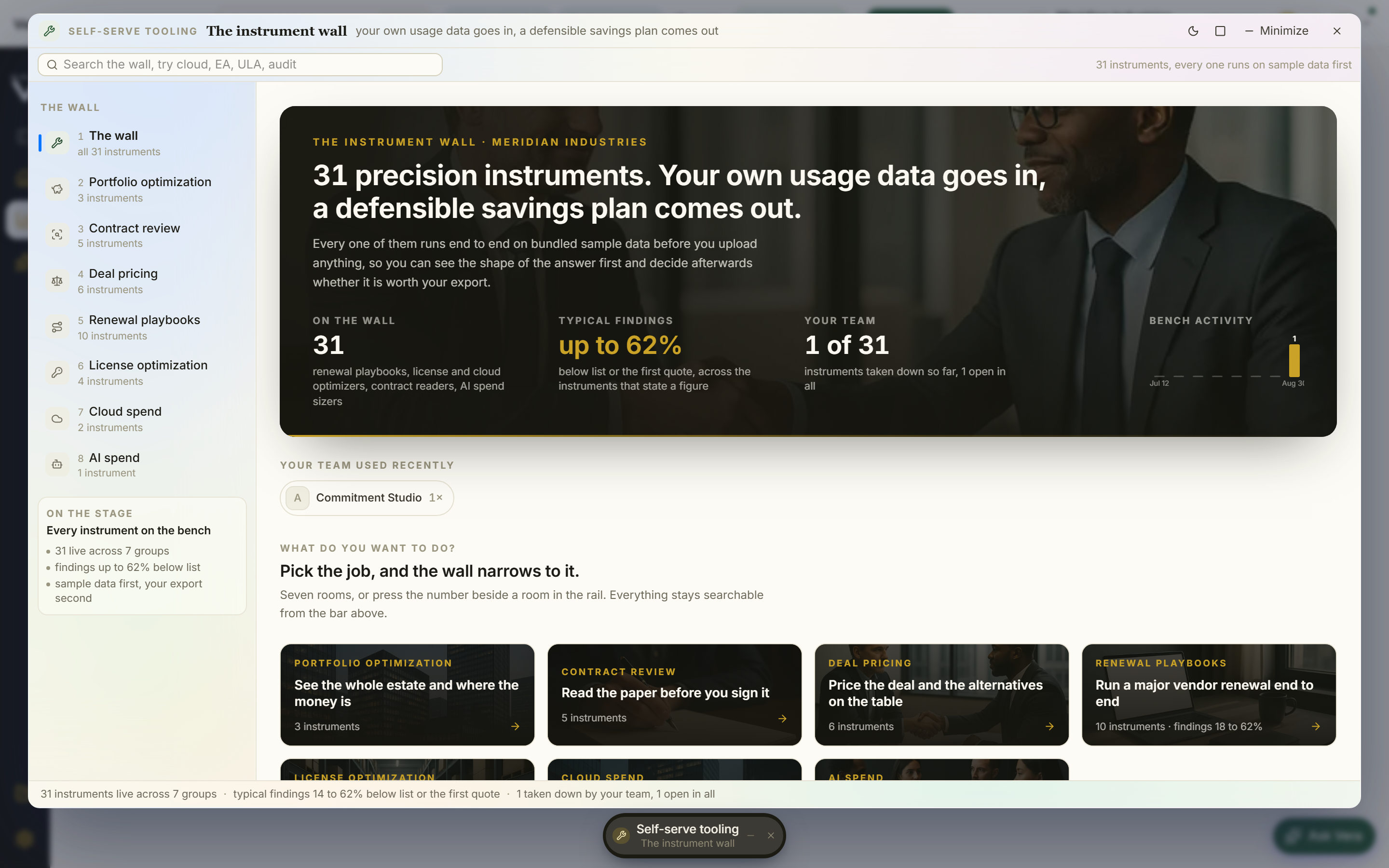
Savings by workstream, an executive brief, a full report, and a tracked phased plan. The engine featured above.
Price the same workload on AWS, Azure, GCP, or OCI and see the optimal placement before you commit.
Inactive accounts, E1, E3, and E5 right-sizing, Copilot sizing, and a per-user reassignment plan.
Core sizing, three pricing scenarios against the discount bands, and a negotiation playbook for the renewal.
Read from your contracts, the Entitlement Agent lists every product with its price, term and limits, sets the licensed quantity against what is deployed, and prices the gap, so you walk into the renewal knowing what you pay for and do not use.
Cloud cost, read from your own export.
Try it on the sample estate before uploading your own.