Document Agent
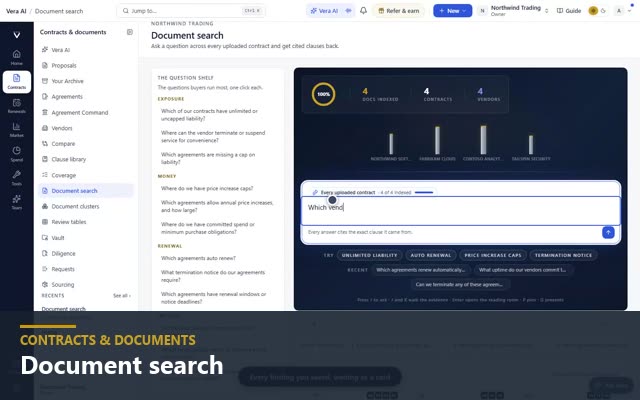
Ask every contract one question. Get the clause and its page. The Document Agent reads every contract you hold for the ten terms that decide a renewal and searches the full text of everything you have uploaded. Type an item such as price increase and each document's answer comes back with its reading, its figure, and the clause on its page. "What did we agree on price caps?" is a query, not an afternoon.
Example search on a sample estate. The product runs the same search across your own contracts.
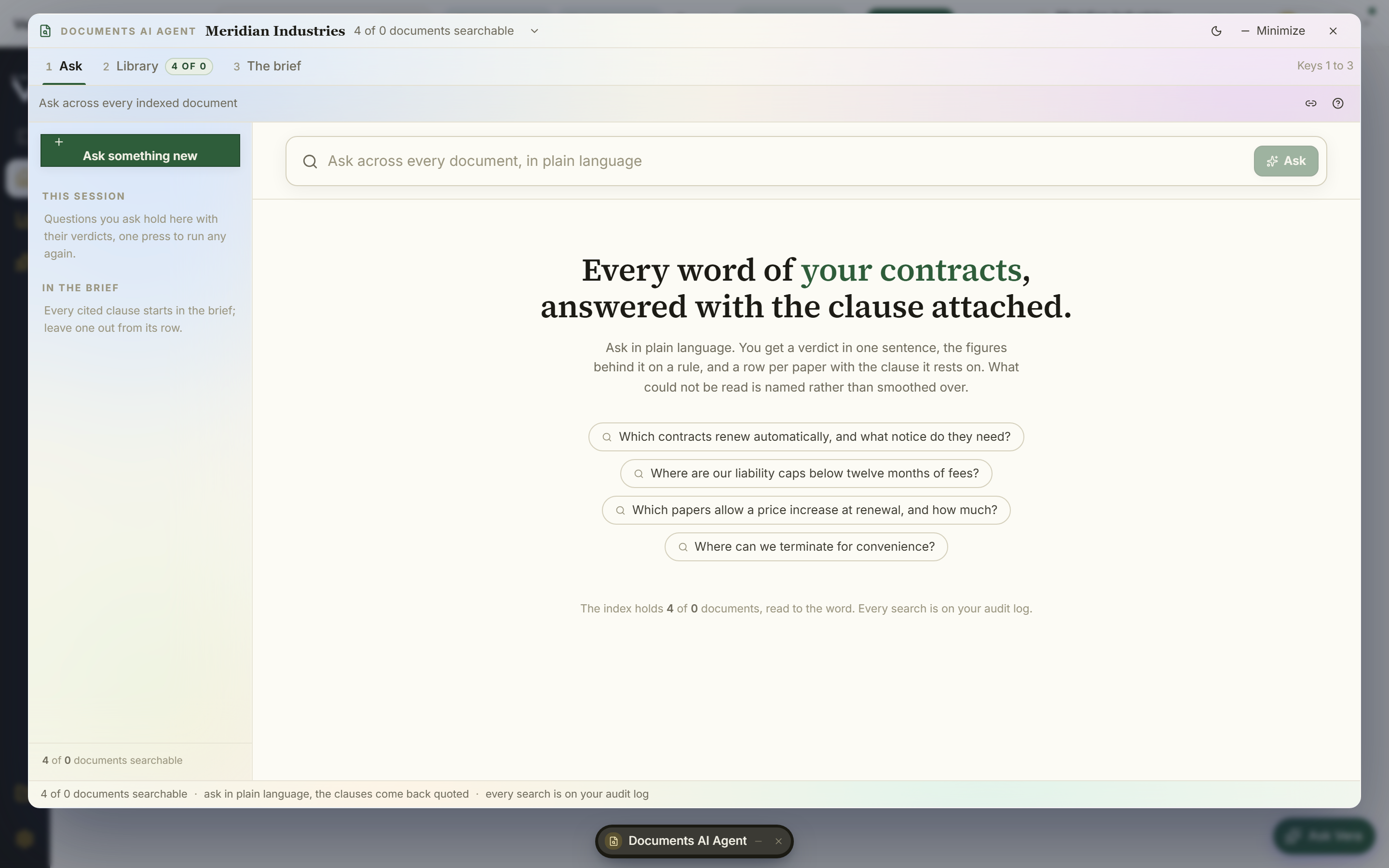
The ten terms that decide a renewal, price increase among them, are read in every contract you hold, each answer with its reading, its figure, and its page. Anything else you type searches the stored text.
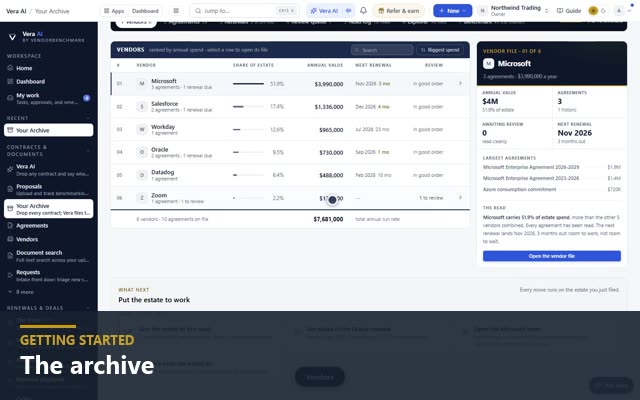
The same answers side by side as a table and drawn as a mind map of which vendors and documents carry each term, filtered by vendor, document type, term end, and value a year.
Talk to Vera from any screen and she takes the term and the clause in hand: questions on one contract, questions across the portfolio, and the email that follows.
Save any search and it sits in the left column beside the filters, a press away, so the questions your team runs every quarter are one click each.
The Report screen writes the answers up across the estate, and the same findings download as a Word report, an Excel workbook, and a board deck, forwardable as is.
Every screen names the next move first, such as acting on a contract that ends within 90 days or downloading the Word report, with Workflows and Templates one key away and Vera ready to draft the email.
Stop reading contracts. Start querying them.
Full text search across every contract you hold.