The watchtower opens as an application, with its own workroom
Three watch surfaces used to be three tabs. They are now one application with one masthead, and a workroom that turns the last 90 days into four papers you can hand to a CFO.
Very few procurement teams lose money because they missed a price change outright. They lose it because the price change, the invoice that quietly carried it, and the renewal that locks it in for another 36 months lived on three different screens, owned by three different habits, and nobody joined them up before the countersignature date. This release closes that gap. Terms, Billing and the price list check now open as one application, under one masthead, with a workroom above all three that raises the whole tower's last 90 days as four executive papers.
The three tabs problem
Ask a category manager how they monitor a vendor and you will usually get a description of three separate rituals. Somebody watches the published price list for edition changes. Somebody else reconciles invoices against the contract and flags drift. A third person, often the same person on a different afternoon, keeps a renewal date sheet. Each ritual produces a true finding. None of them produces a decision, because the decision needs all three at once. A list price move only matters if your paper is exposed to it. Your exposure only matters if there is a window in which you can act. And the window only matters if somebody can be persuaded to act inside it.
The old layout made that stitching manual. You read the strips on one screen, opened the contract record on another, cross checked an invoice on a third, and then wrote the summary yourself in a document that nobody else could reproduce next quarter. We have written before about the underlying discipline in catching a price list change the week it happens and in checking the invoice against the contract every day. The detection was already there. What was missing was a single room in which the three signals sit next to each other and produce one output.
One frame, three floors
The watchtower now opens as an application rather than three destinations. A navy masthead sits across the top and states each room's live figures, so you can see the state of Terms, Billing and the price list check without changing screens. The context that used to sit under the work, or behind a link, now rides in a column beside it. When you select a strip, the column carries the vendor record, the relevant contract clause, and the benchmark position, and it stays there while you read. Nothing hides behind a hover.
The Terms floor also gained a toolbar, which is the part most buyers will feel first. It scopes the strips to your vendors or to the wider market, so you can switch between the question what is happening to me and the question what is happening generally without losing your place. It cuts the strips by kind of move, so uplift, edition change, packaging change, metric change and withdrawal can be read separately rather than as one undifferentiated feed. And it reads either 90 days or the full year, which matters because the moves that hurt most are rarely single jumps. They are three small edition changes across eleven months that only look like a strategy when you see them in one column. If you want the running feed on its own, it still lives at /wire/watch.
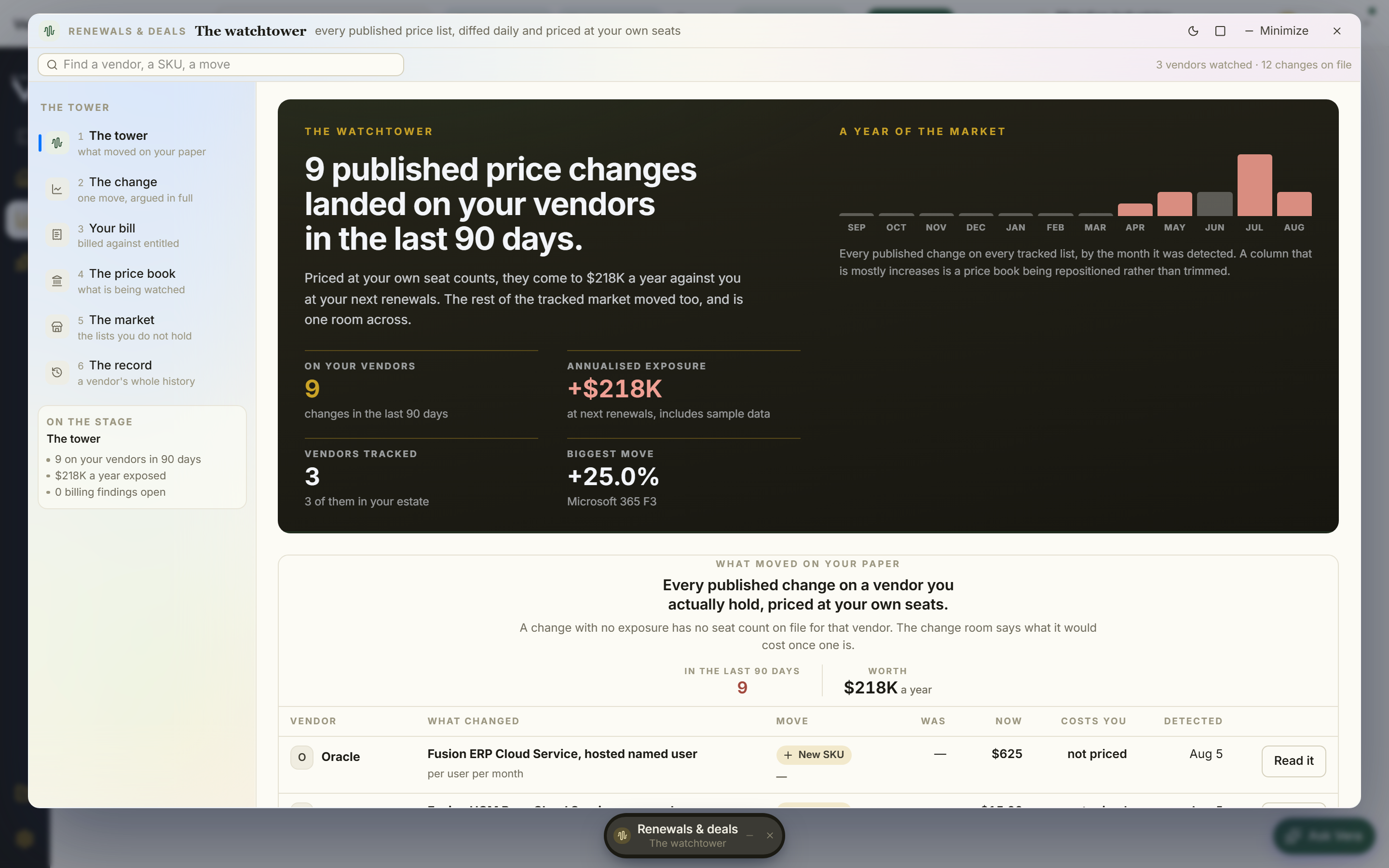
Open the workroom
Above all three boards there is now a single control called Open the workroom. It raises the watchtower file, which is the whole tower's last 90 days rendered as four executive papers rather than as a screen you have to describe to somebody else. The point is portability. A strip is evidence. A paper is something you can put in front of a finance director who was not in the room.
The first paper is the watch brief, a one page account of what moved, on which vendors, and in which direction. The second is the change ledger, and it is the one that changes arguments, because every row carries both the published price and your exposure on that row. Published list movement on its own invites the vendor's favourite reply, that list is not what you pay. Exposure per row moves the conversation to your paper. The third paper, On your paper, filters to the renewal windows where you can actually act, which is the constraint most reviews discover too late. The fourth, What now, contains the stakeholder memo already drafted and the copy moves you can lift straight into an email or a negotiation plan.
Ask Vera, grounded on the file
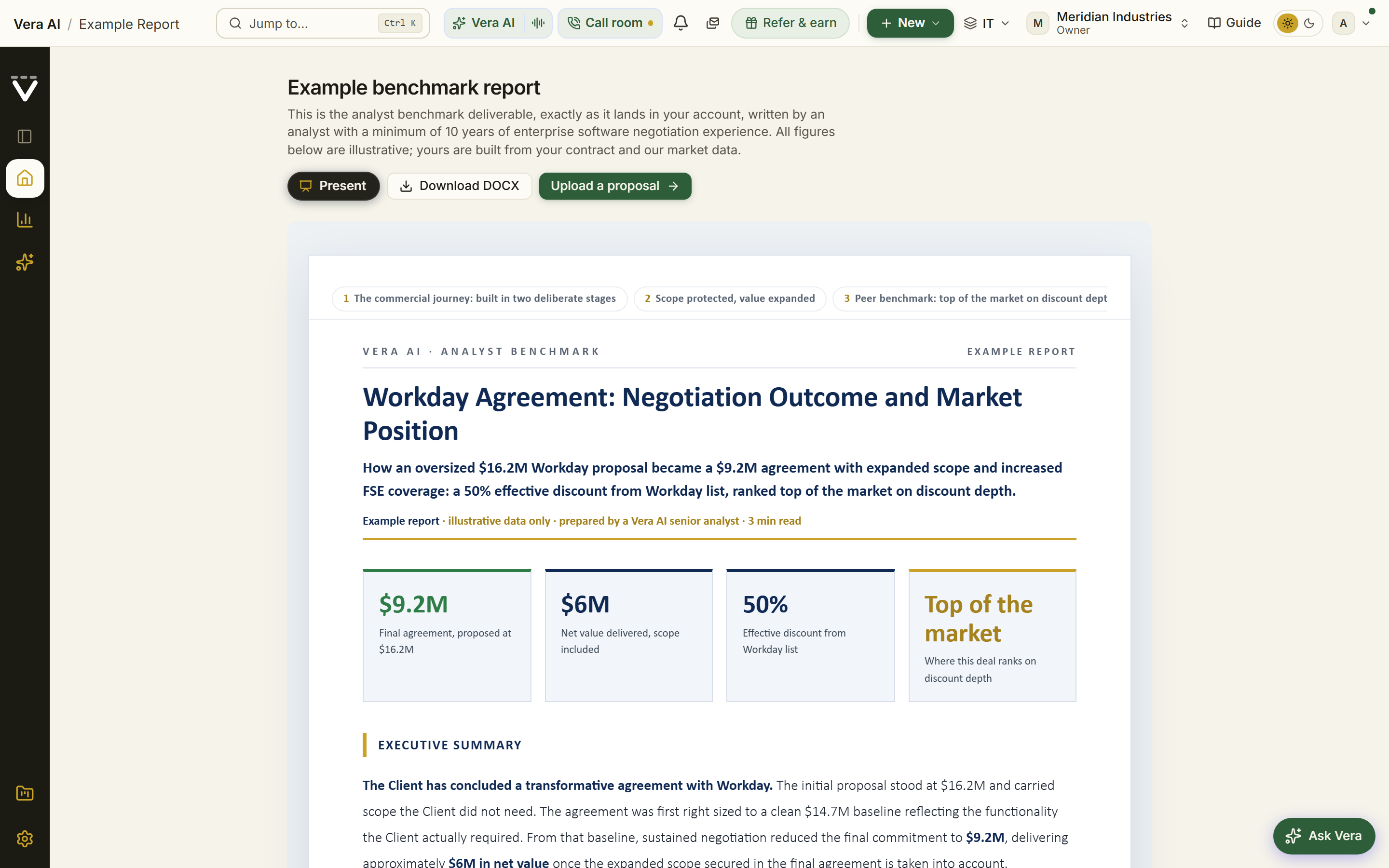
Ask Vera rides beside every paper, and this is deliberately narrower than a general chat box. She is grounded on the file. Ask why a row shows exposure and she answers from the ledger that produced it. Ask which of the flagged vendors has a notice window closing inside 60 days and she reads On your paper. Ask what a peer cohort typically concedes on an edition change and she reaches into the benchmark set with the citation attached. If the answer is not in the file or the underlying record, she says so rather than filling the space. That constraint is the feature. A memo you can defend is worth more than a memo that sounds confident, and the same grounding discipline runs through the year on year compare.
Honest limits
Three limits are worth stating plainly. First, detection depends on publication. Where a vendor publishes a list, an edition change, or a packaging note, the Terms floor can catch it. Where a vendor prices privately and communicates only through a named account team, the tower has to infer the move from invoice evidence and contract records instead, which means it arrives later and with a wider margin. Second, exposure per row is modelled, not observed. It is built from your loaded contract records, your entitlement counts and your invoiced history. If your contract set is incomplete, or an amendment never made it into the record, the exposure column will understate or overstate, and the ledger will show you which rows are resting on thin evidence rather than hiding it.
Third, the watchtower file is a snapshot taken at the moment you press the control. It reads the last 90 days and it does not update itself after generation, which is correct behaviour for a document you are about to attach to an approval thread, but it does mean a file from three weeks ago is a historical artefact rather than a live position. Regenerate before you negotiate. And a fourth point that is less a limit than a boundary. Ask Vera answers from the file and the cited record. She will not offer a legal opinion on a clause, and she is not a substitute for counsel on termination, indemnity or data protection language. She will point you at what the clause says and what comparable cohorts hold, which is the right input to a legal conversation and not a replacement for one.
The honest summary is that none of the underlying detection is new. What is new is that the three signals now sit in one room, the context travels with the work, and the last 90 days can be raised as four papers in the time it takes to read this paragraph. That is the difference between monitoring a vendor and being ready to negotiate with one.
Morten brings two decades of enterprise and software procurement, with stints across Oracle, IBM, SAP, and Salesforce shaping how he reads a deal. He has led sourcing through hundreds of renewals, from mid market order forms to nine figure global agreements, and learned that the buyers who win are the ones who walk in knowing the market. He built VendorBenchmark to make that pattern recognition repeatable.