Deployment
The three ways to run Vera AI, shared SaaS, your own instance or your own customized environment, and what each asks of your team.
When this is you
Our security team asks where contract files live We need our own instance in a chosen region Our policy says documents cannot leave our network Open in the app →
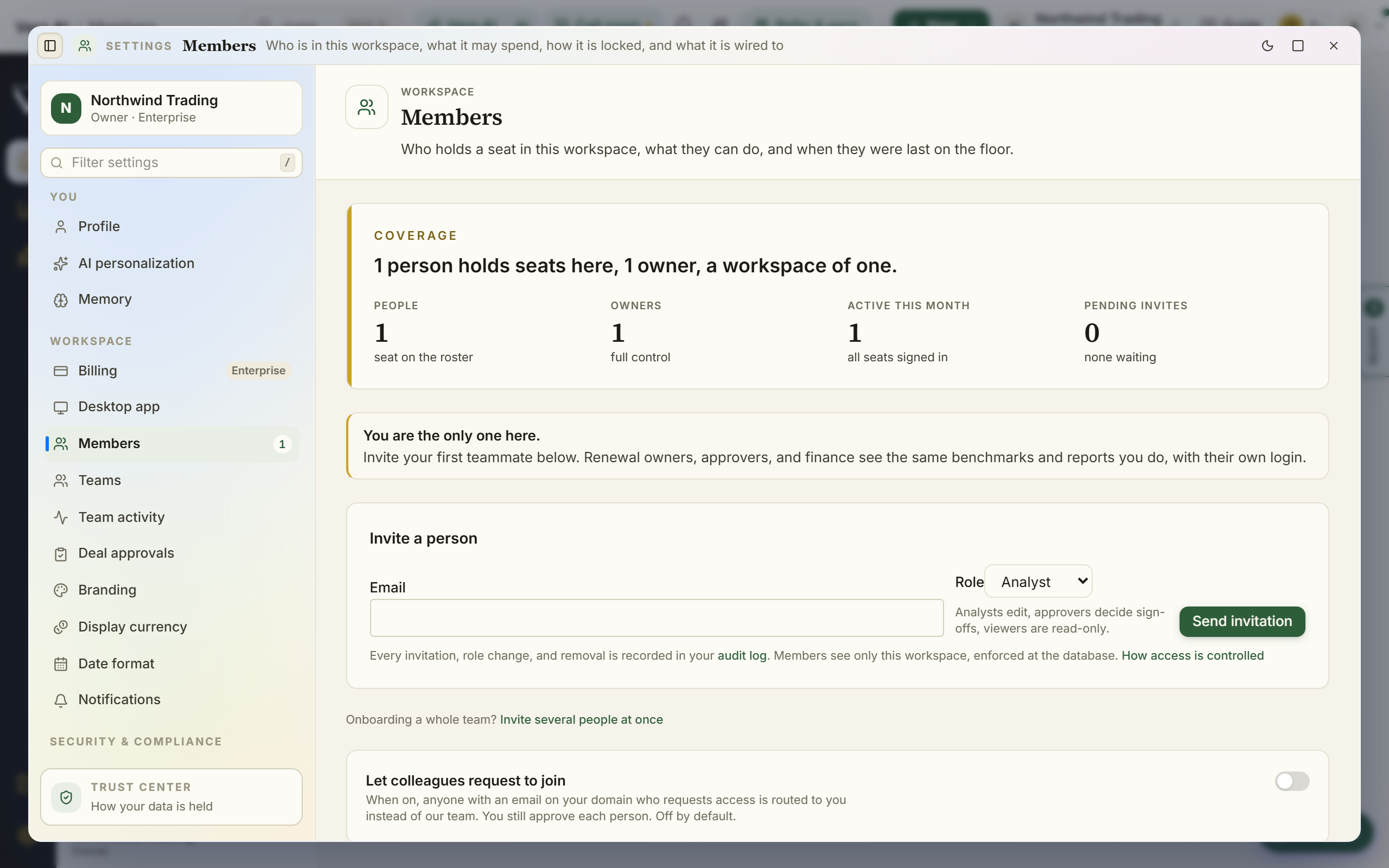
Members
Invite teammates, set roles, and manage access (org owners).
When this is you
I want to invite my team and control who can do what Open in the app →
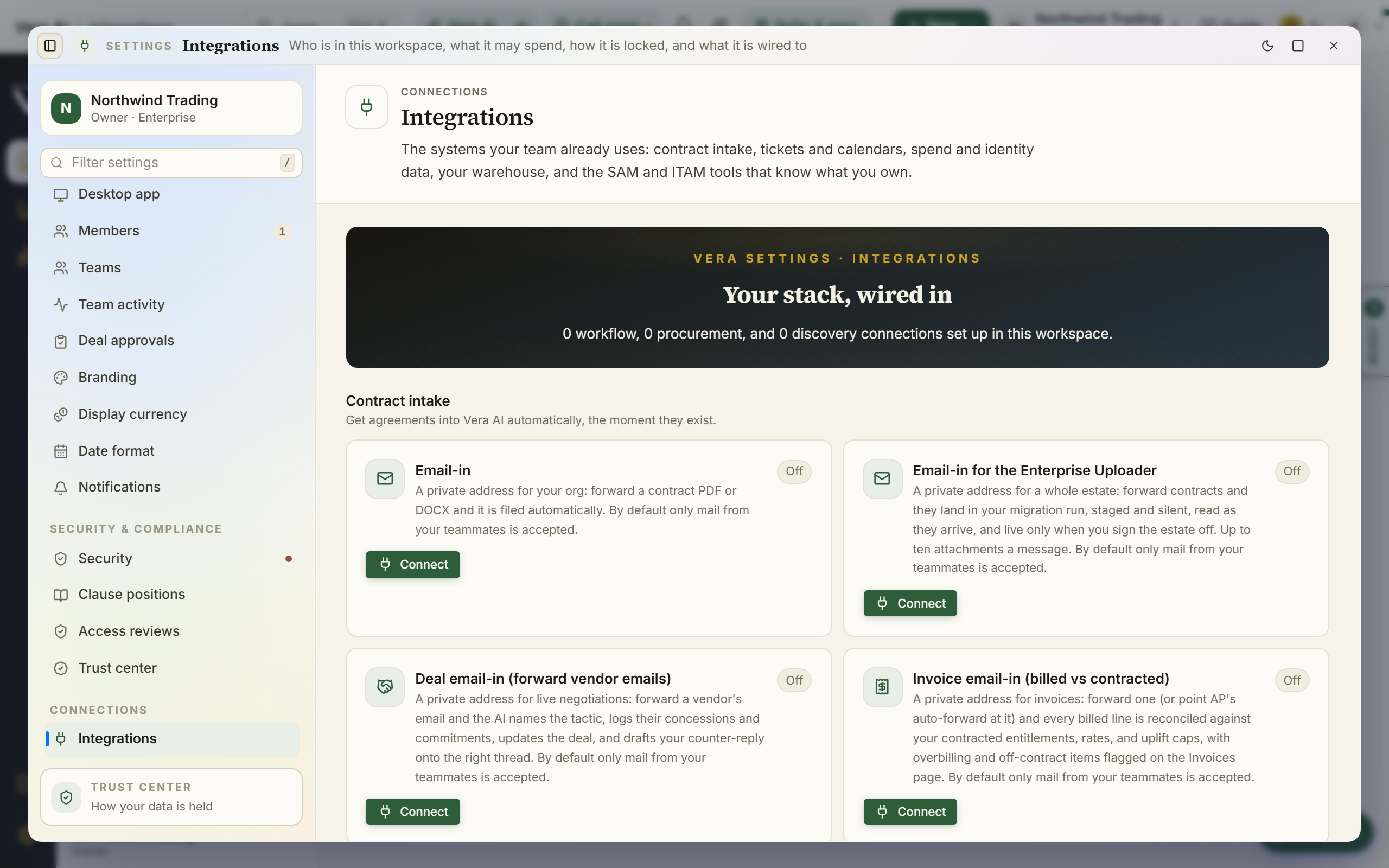
Integrations
Connect SAM, ITAM, SSO directories, spend systems, and email connections so the workspace fills itself.
When this is you
I want usage and license data flowing in automatically I want to connect our SAM or ITAM tool Open in the app →
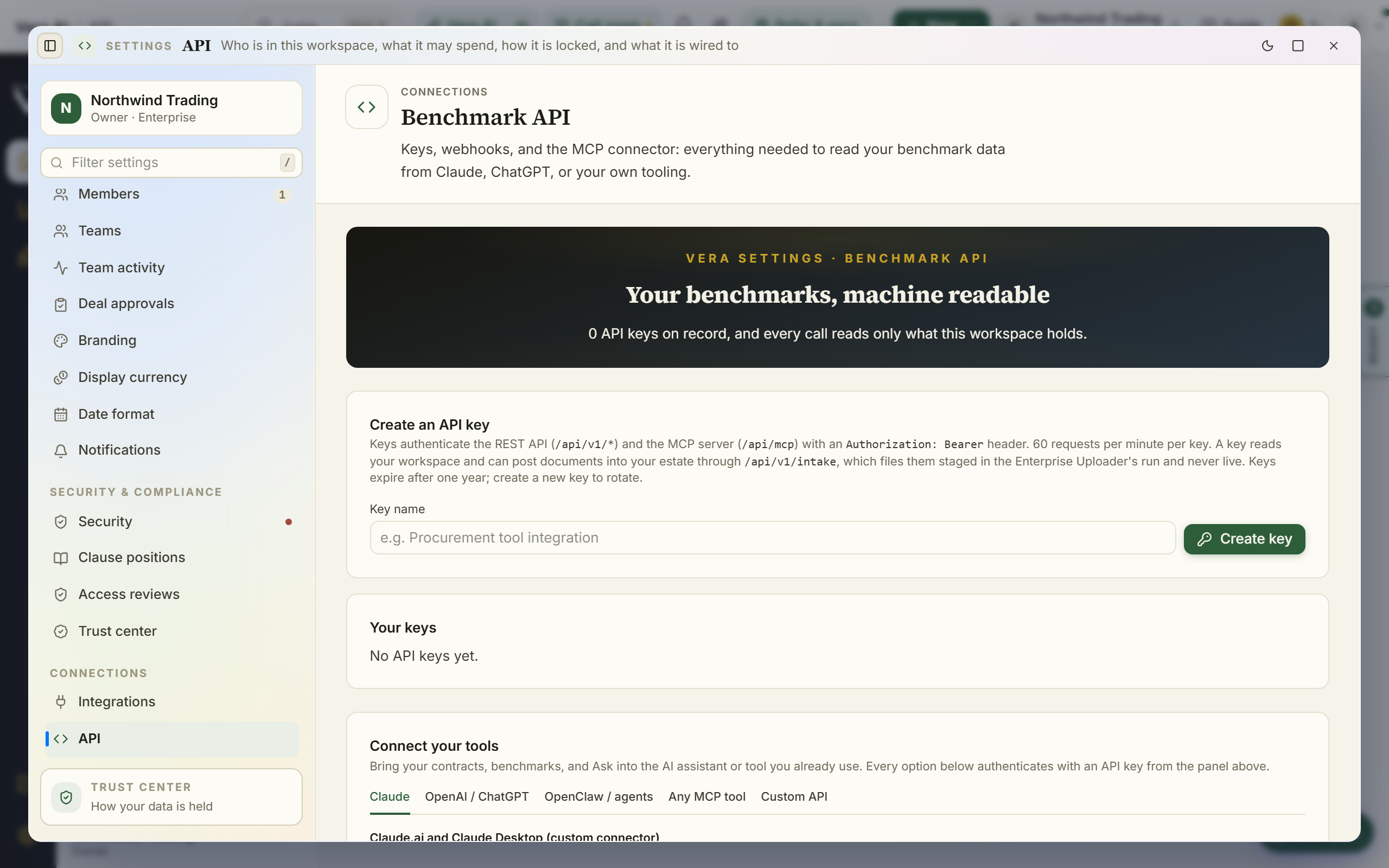
API
API keys and the MCP surface for wiring the platform into your own systems.
When this is you
I want to pull our data into our own reporting stack Open in the app →
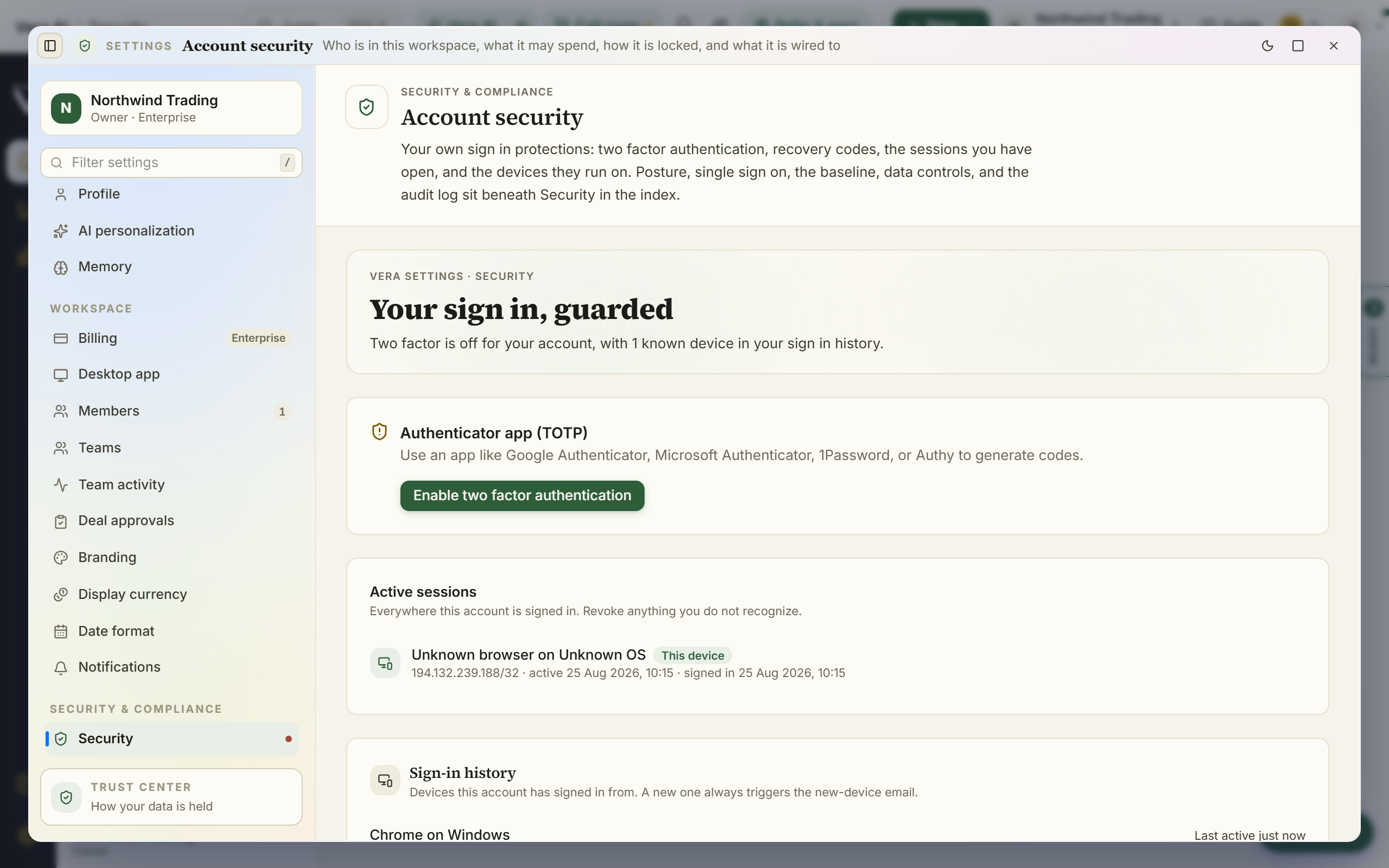
Security
Two-factor, sessions, SSO, audit log, data controls, and the security posture view.
When this is you
I want MFA and SSO enforced for the workspace Our security team wants the audit log and data controls Open in the app →
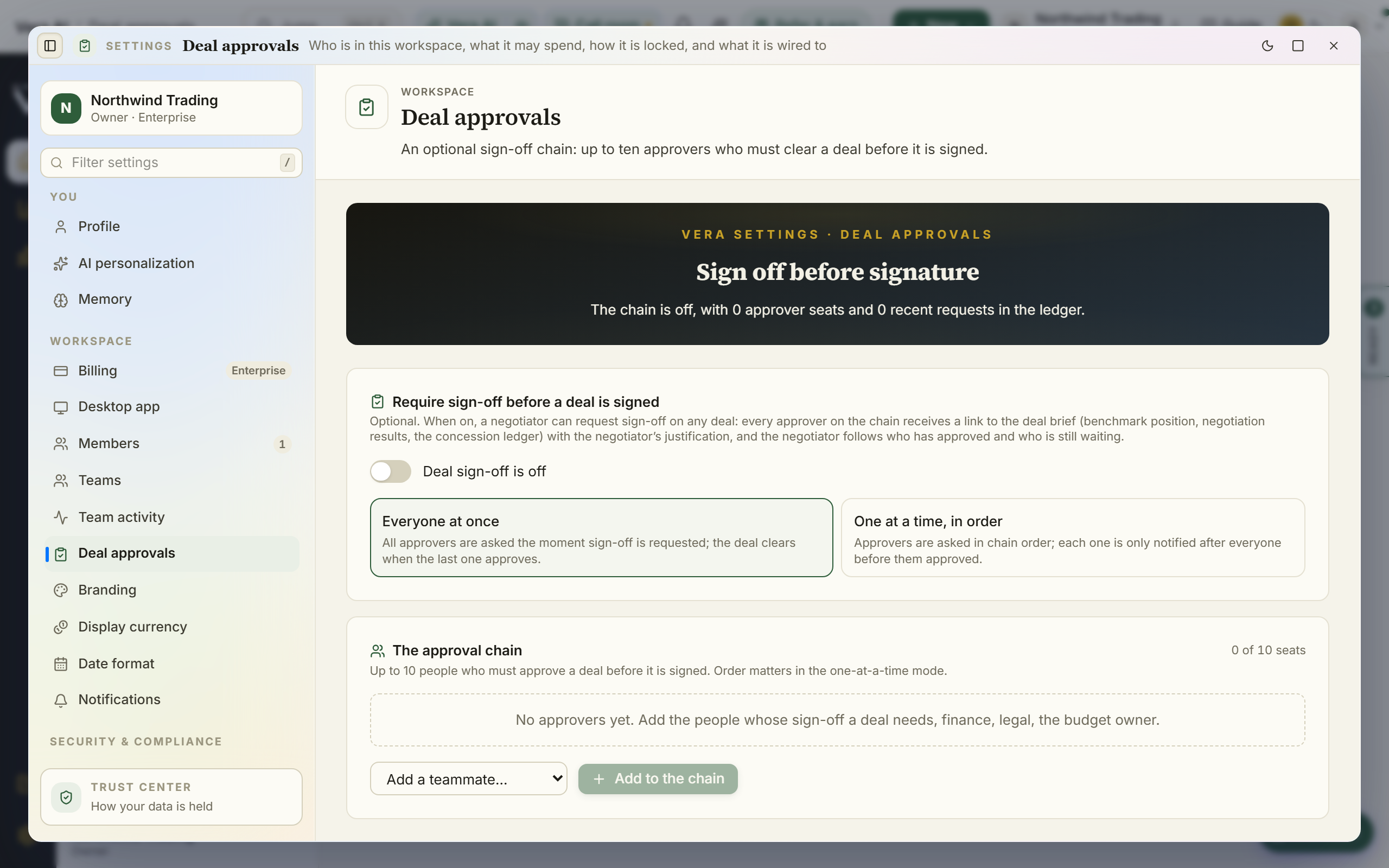
Deal approvals
Approval rules: which deals need whose sign-off before they close (org owners).
When this is you
I want deals above a threshold to require sign-off Open in the app →
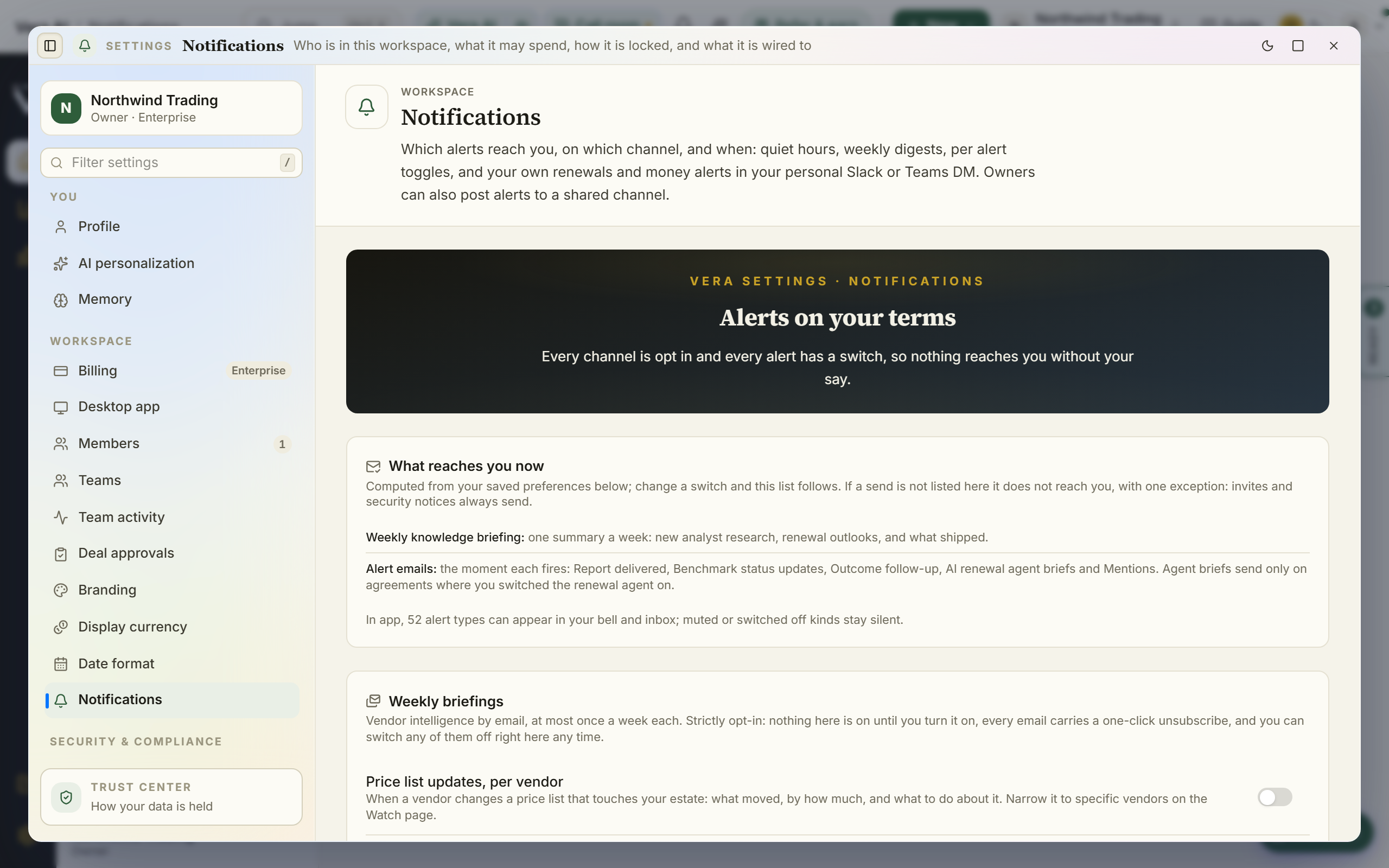
Notification settings
Exactly which alerts you receive, all strictly opt-in.
When this is you
I want to choose what the platform emails me about Open in the app →
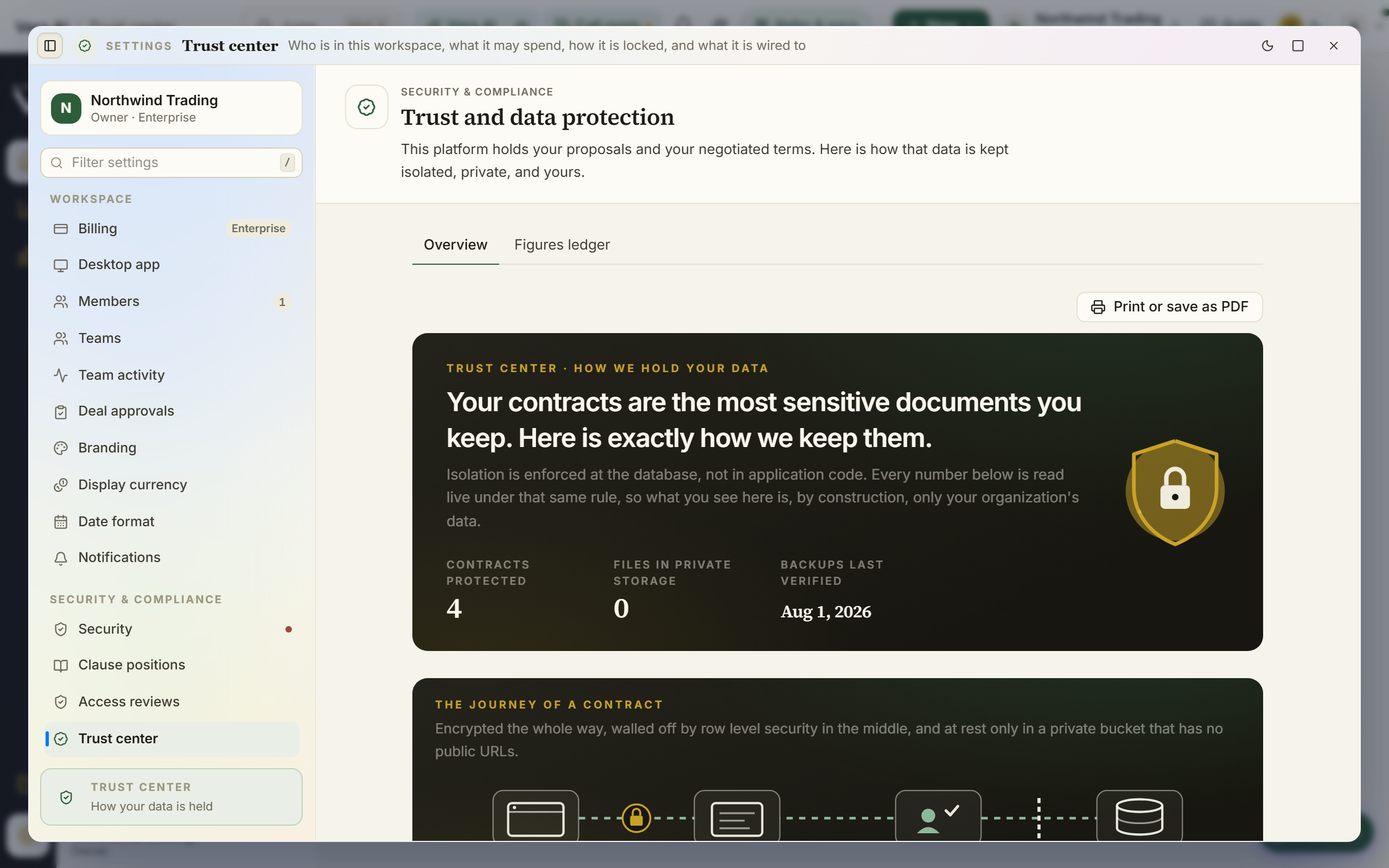
Trust center
How your data is isolated, encrypted, and handled, written for your security team.
When this is you
Our security team is reviewing the platform and needs the posture Open in the app →