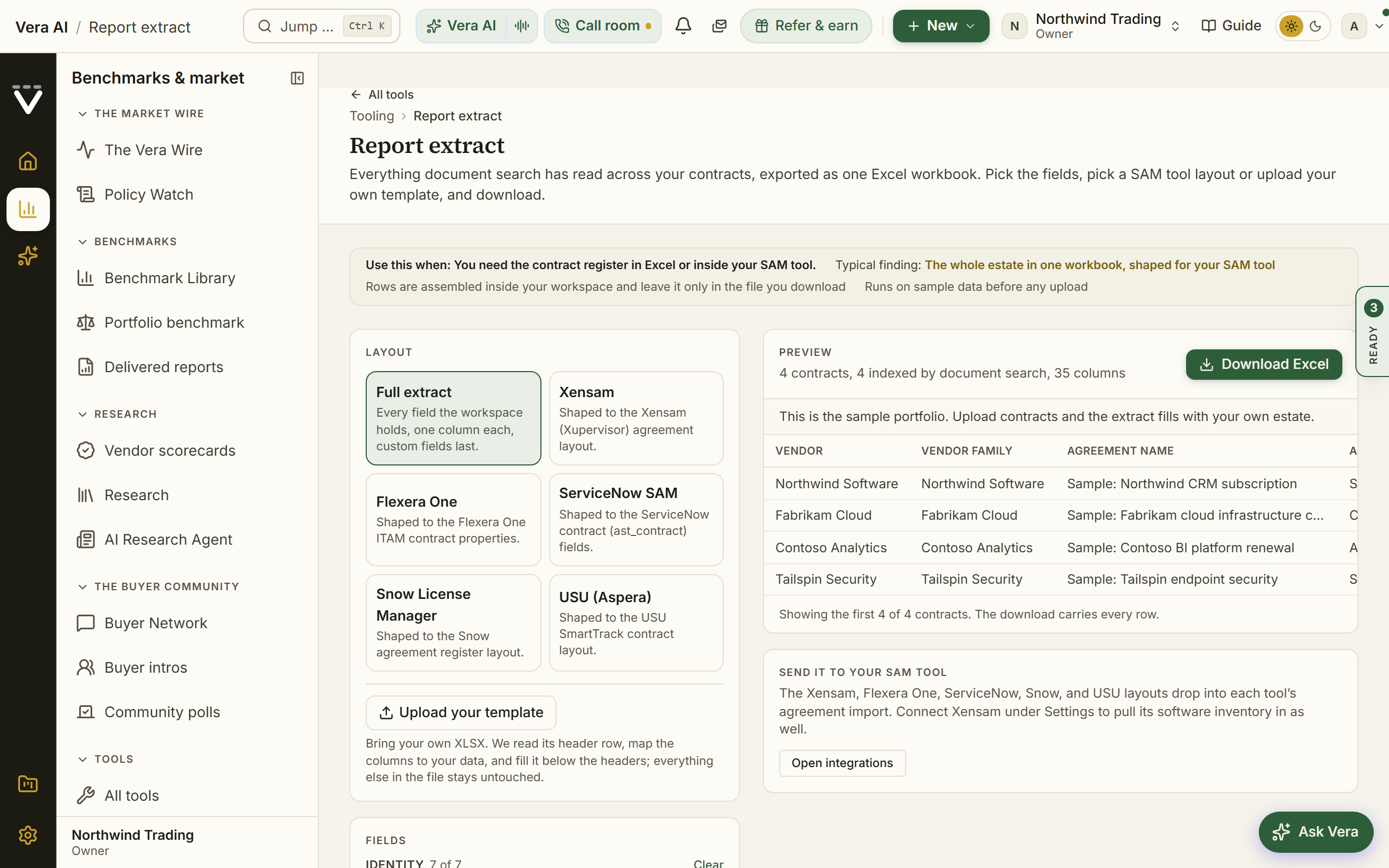
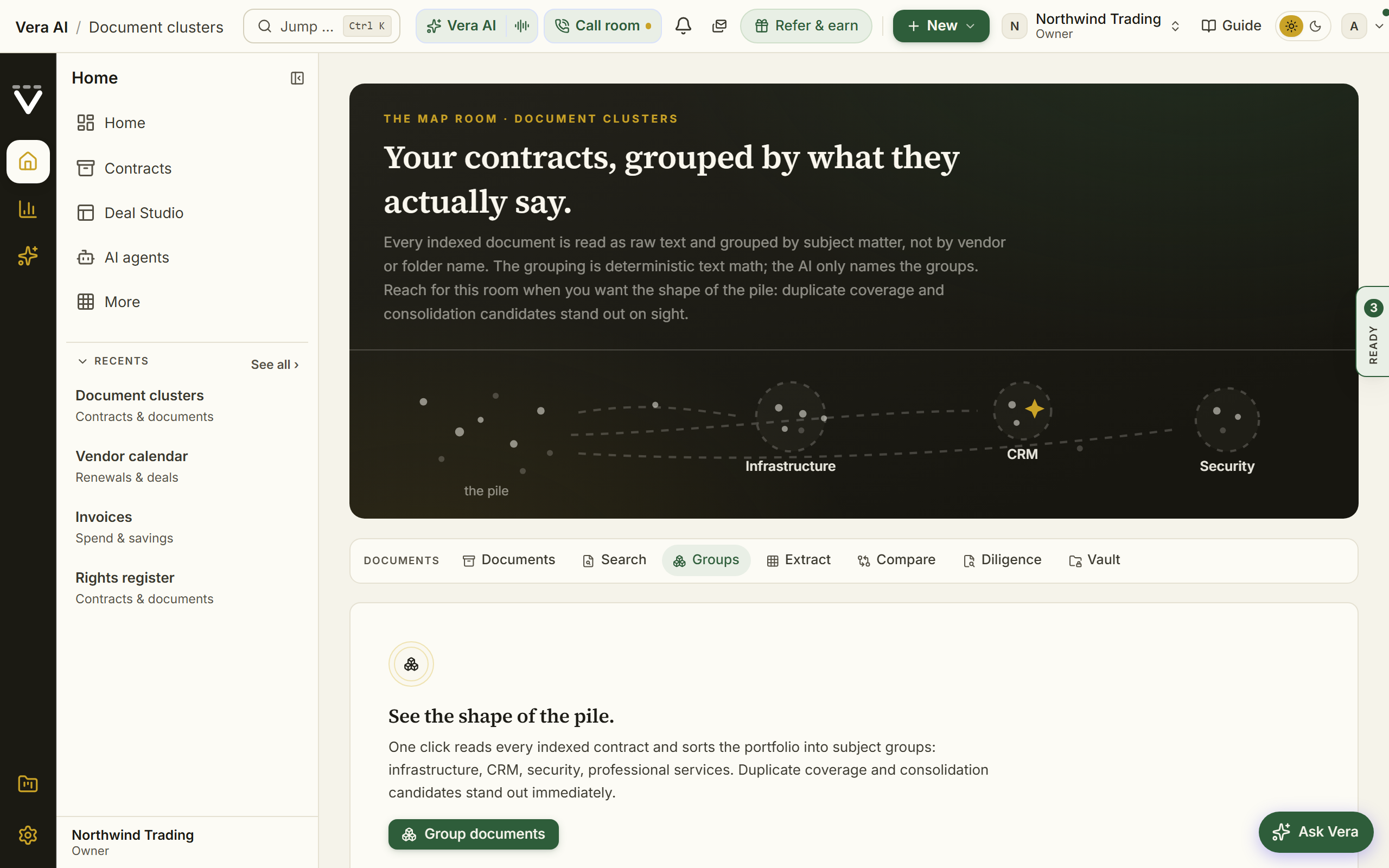
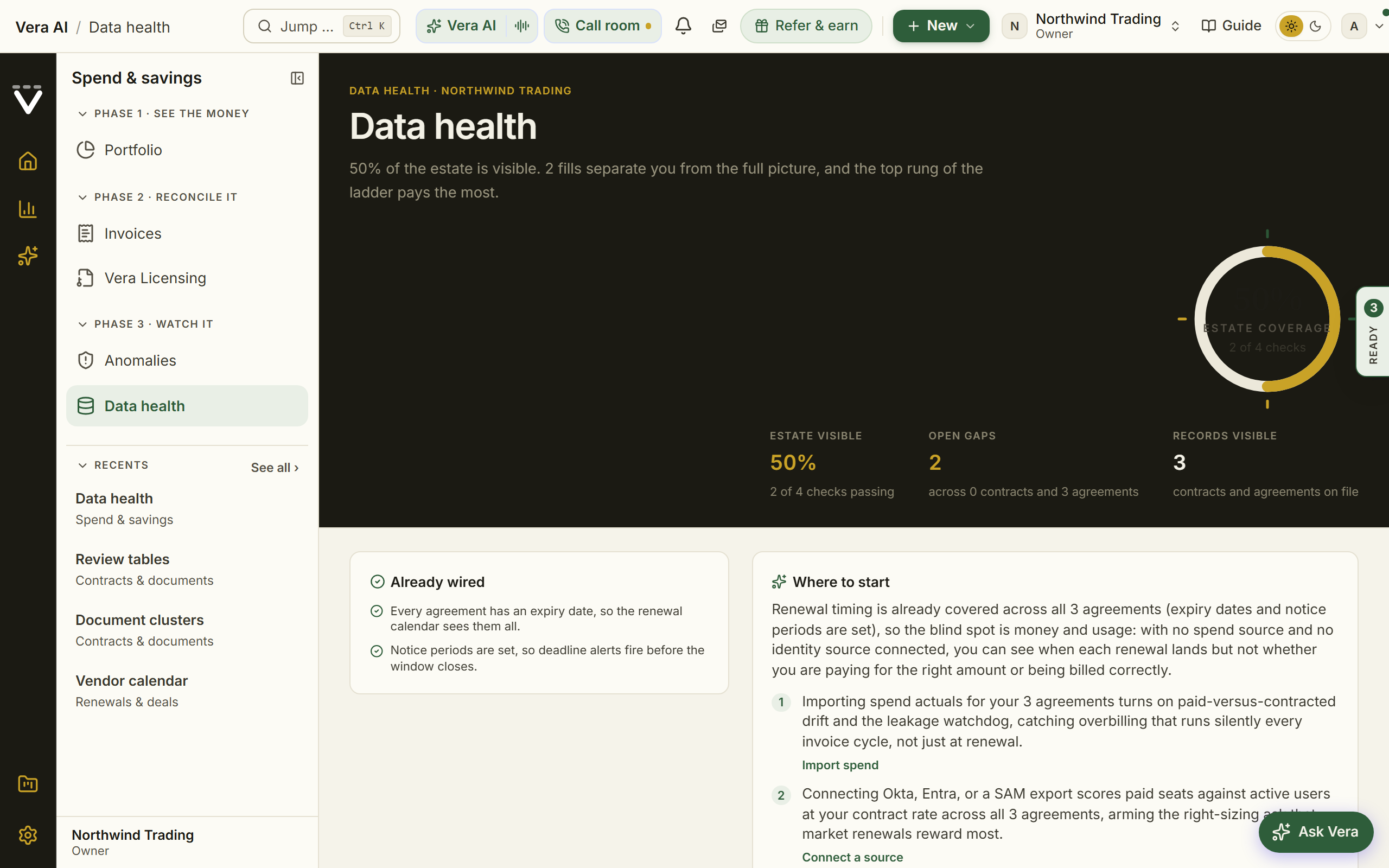
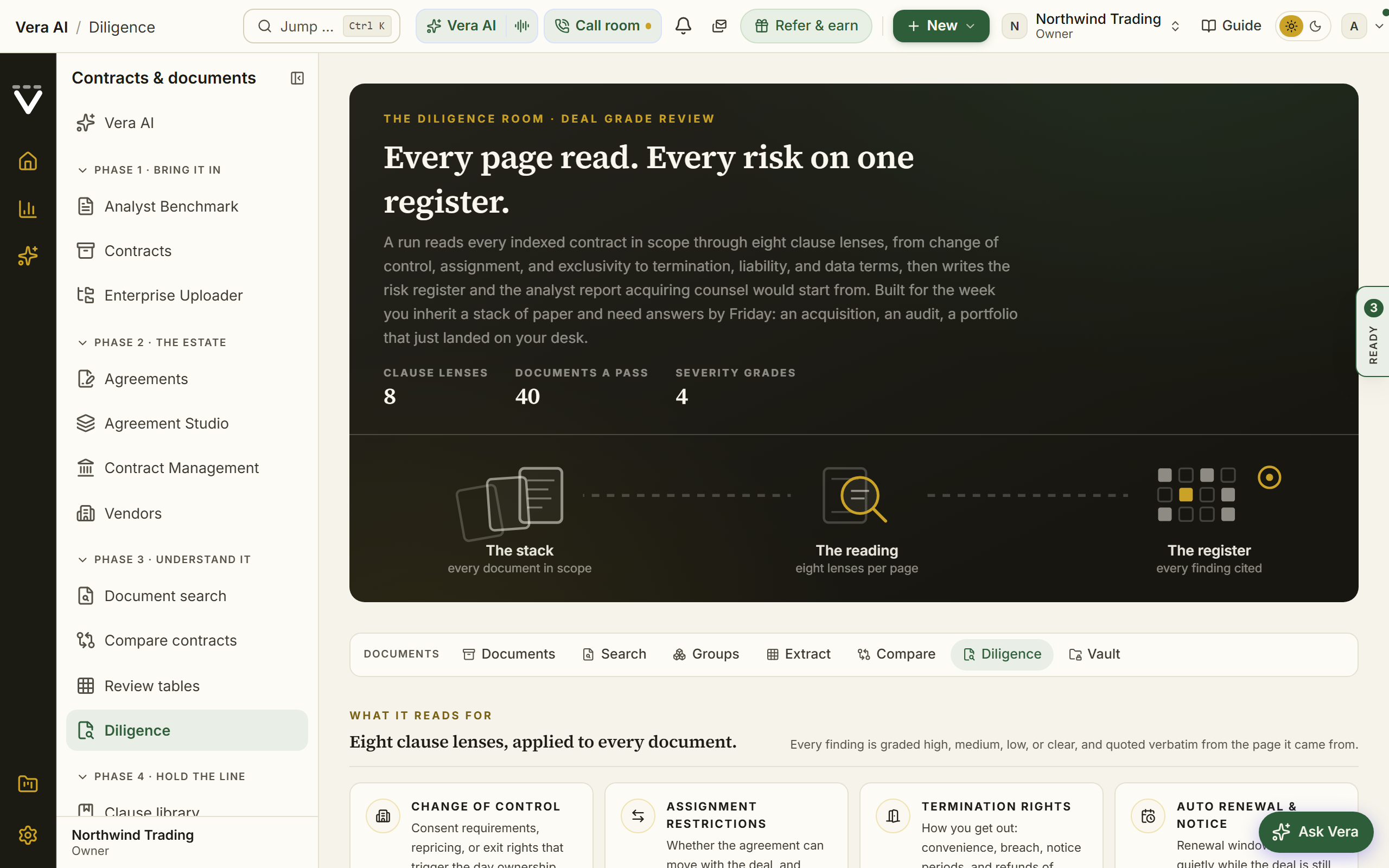
Getting the estate in: filing, tracking, searching, and keeping the data healthy. These are the 13 tools for the job, each with the situations it answers. Press Open in the app to start one.
Contract Management: upload
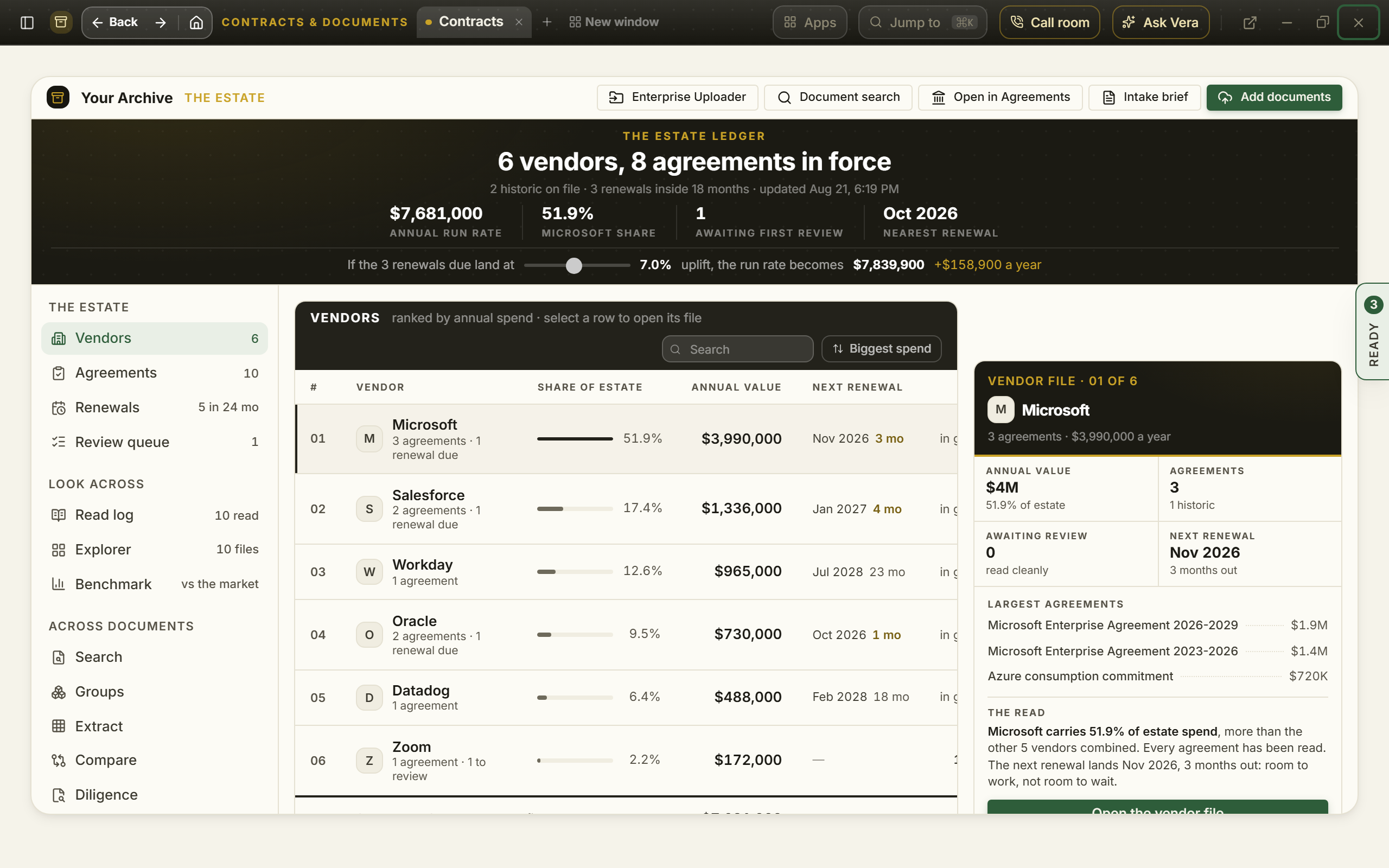
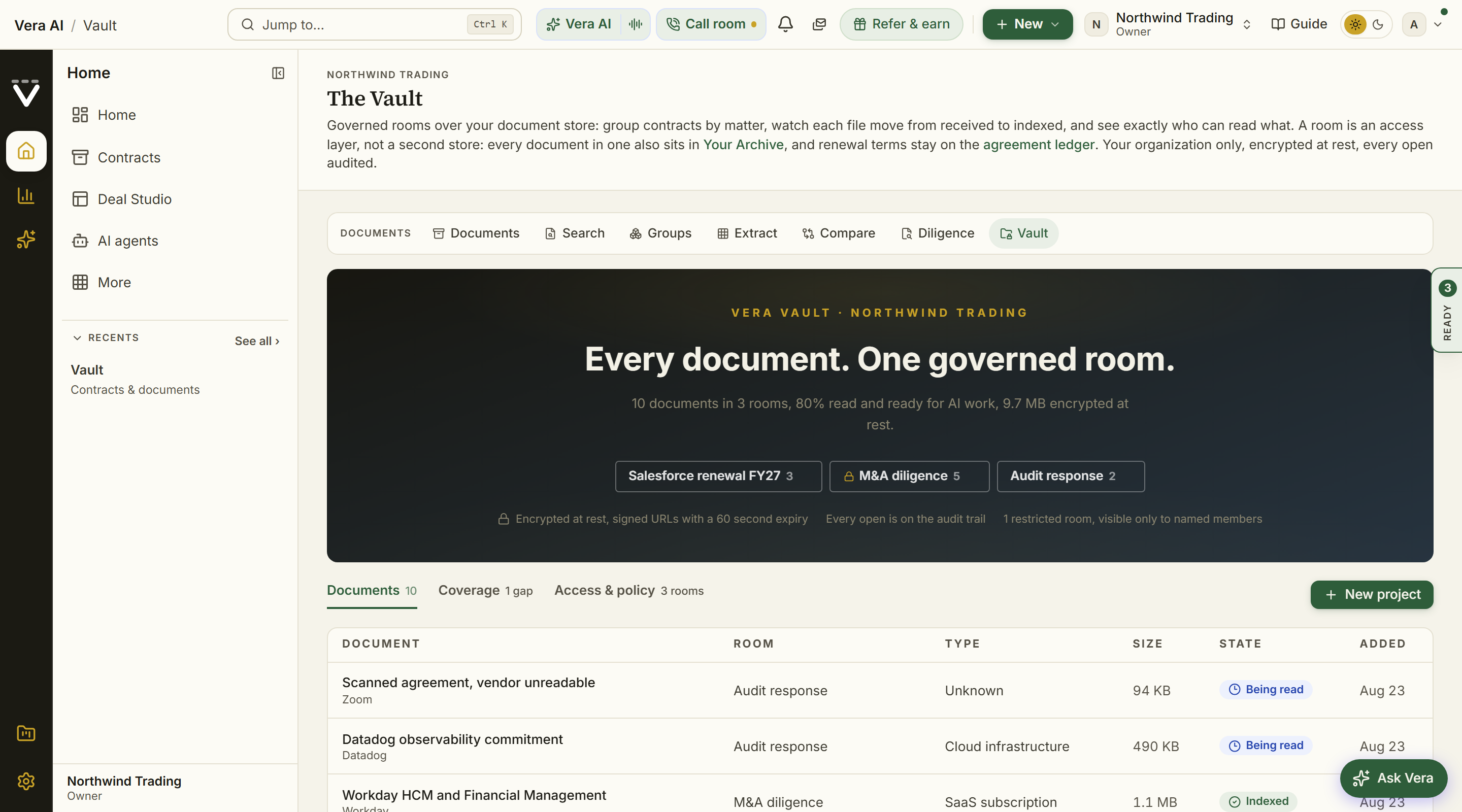
Upload a whole contract folder to Contract Management and Vera files it by vendor, extracts the terms, and briefs you on what the estate contains.
When this is you
I have a folder of old contracts and want them filed and read
I inherited a contract mess and need it organized this week
I want an intake brief on what we actually signed over the years
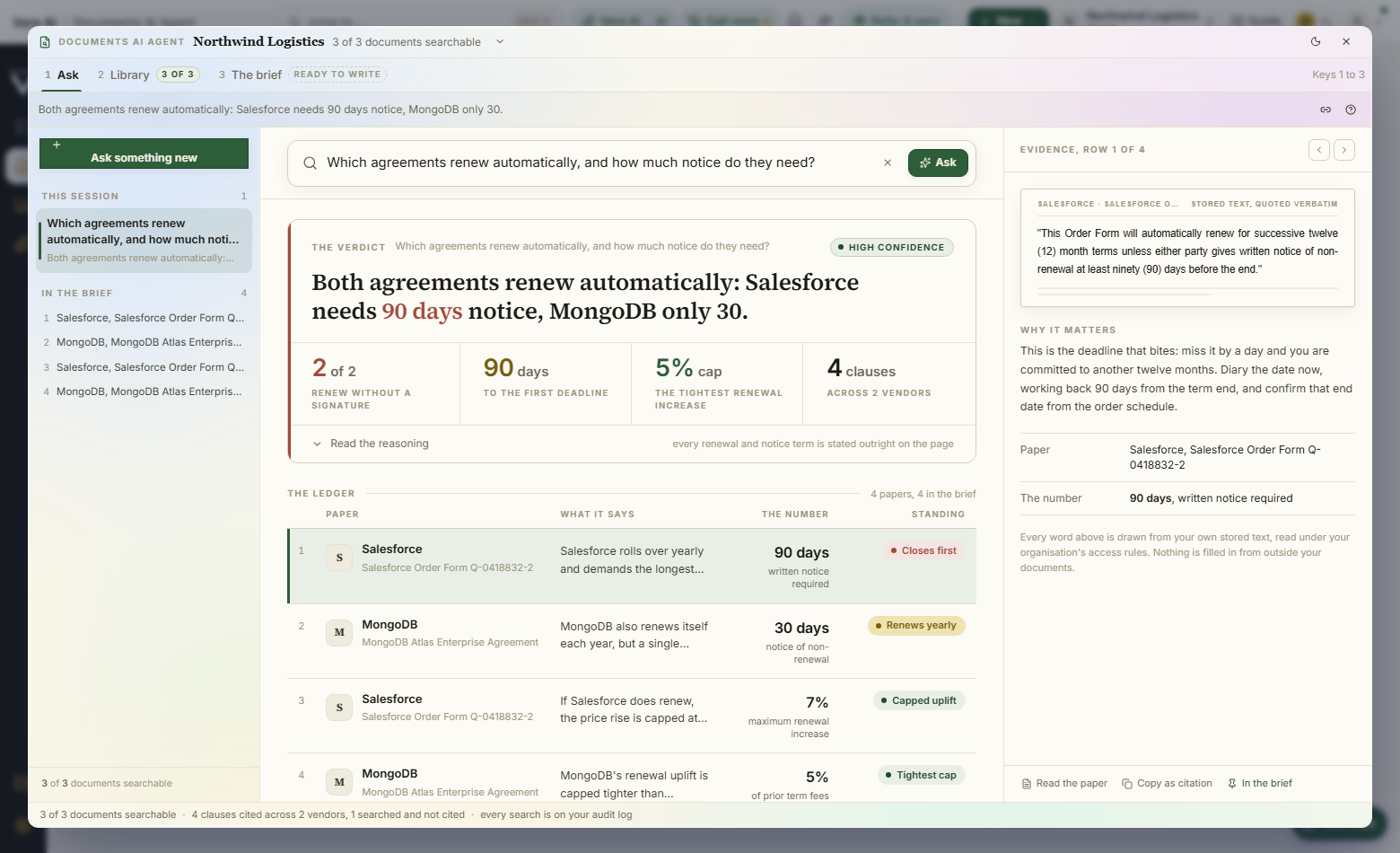
Find a word, a phrase or a vendor across every contract and document you store; the clauses come back as crops of the page, with the page number, ready to filter, open, copy and export.
When this is you
I need to know what our contracts say about notice, renewal, caps or termination, with the clause on its page
I want every clause on one subject across every agreement at once, as a sheet or a Word brief
I need to find which contract contains a specific clause or phrase
The whole estate against the market in one view: every vendor sized by spend and colored by how its contracts compare, with the notice dates of the next fifteen months.
When this is you
I want the portfolio overview for a leadership meeting
I want to see vendor concentration
I want one picture of the whole estate for a slide
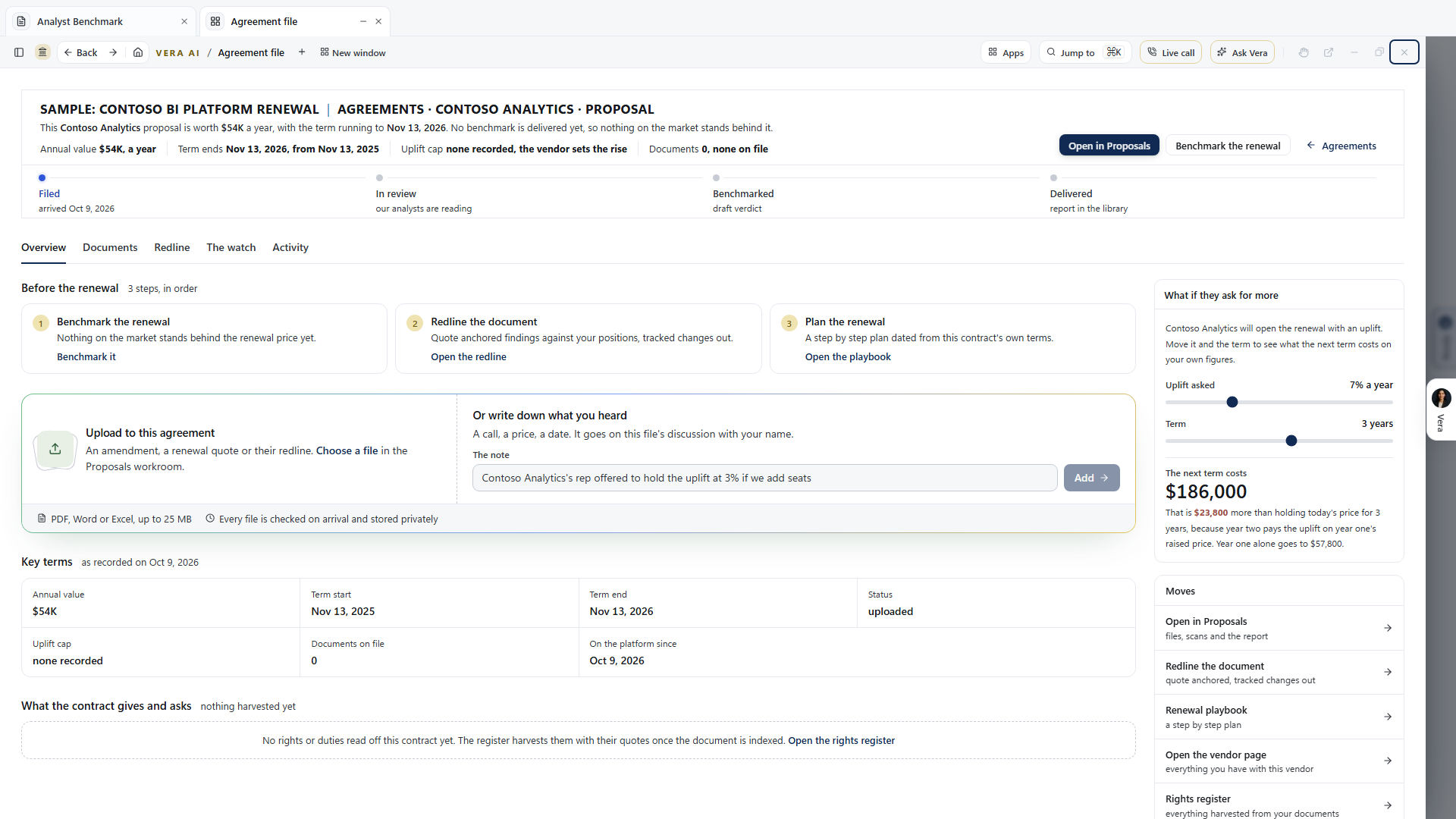
Step 1 of the Entitlement Agent brings a whole contract estate in: add a folder or files and press Scan, and every product, its price, term and limits is read out of the contracts, then filed into vendor folders with the links between contracts mapped.
When this is you
We are moving off spreadsheets or another tool and want everything carried over
I want every product, price and term read out of our contracts in one place
I have thousands of agreements and need them in one run, not one at a time
The year's moves as a board from Found to Realized, and the board pack: the decisions the committee is asked to make, each with the ask, the risk, the date and the recommendation, shared with everyone in the workspace.
When this is you
I want our category strategy written down where the team works